Just switched to the newly released Twenty Nineteen theme by WordPress. It’s a very pure theme, with nothing extra. But it works fine with the new editor released with WordPress version 5.
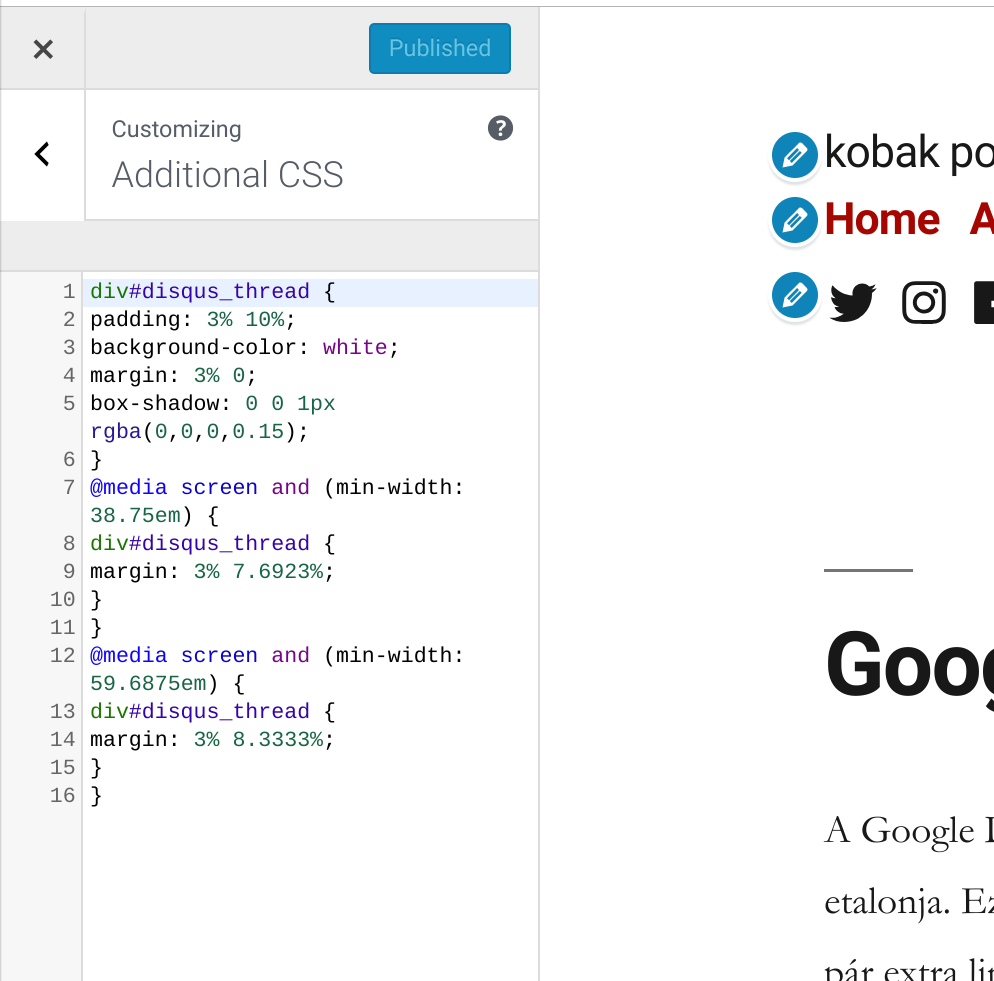
I’ve been using Disqus as my comment engine for a while, but Twenty Nineteen didn’t handle the comment section as it supposed to do. So I’ve found a great CSS tweak to make Disqus visually aligned to the theme.
div#disqus_thread {

padding: 3% 10%;

background-color: white;

margin: 3% 0;

box-shadow: 0 0 1px rgba(0,0,0,0.15);

}

@media screen and (min-width: 38.75em) {

div#disqus_thread {

margin: 3% 7.6923%;

}

}

@media screen and (min-width: 59.6875em) {

div#disqus_thread {

margin: 3% 8.3333%;

}

}

Found at Alex Dresko. He posted it as a tweak for the Twenty Fifteen theme, but works for the Twenty Nineteen, too.